 Currencies
How Long a MoneyGram Transfer Really Takes
MoneyGram advertises delivery "in minutes," and sometimes that is exactly what happens. Send $200 for cash pickup in Manila at 9am on a Tuesday and your recipient can be walking out of an agent location with the notes by 9:15. Send the same $200 to a bank account in Accra late on a Friday and it may not move until Monday morning.
Neither result is a glitch. MoneyGram doesn't run one delivery system. It runs several, stitched together from local banks, mobile wallet operators, card networks and its own agent network, and each one keeps its own cut-off times and working hours. Once you know which rail your money is on, you can predict the arrival window with reasonable accuracy before you pay.
Typical Delivery Times by Payout Method
Four payout routes cover almost every MoneyGram transfer. Here's what each one usually looks like in practice.
Cash pickup at an agent
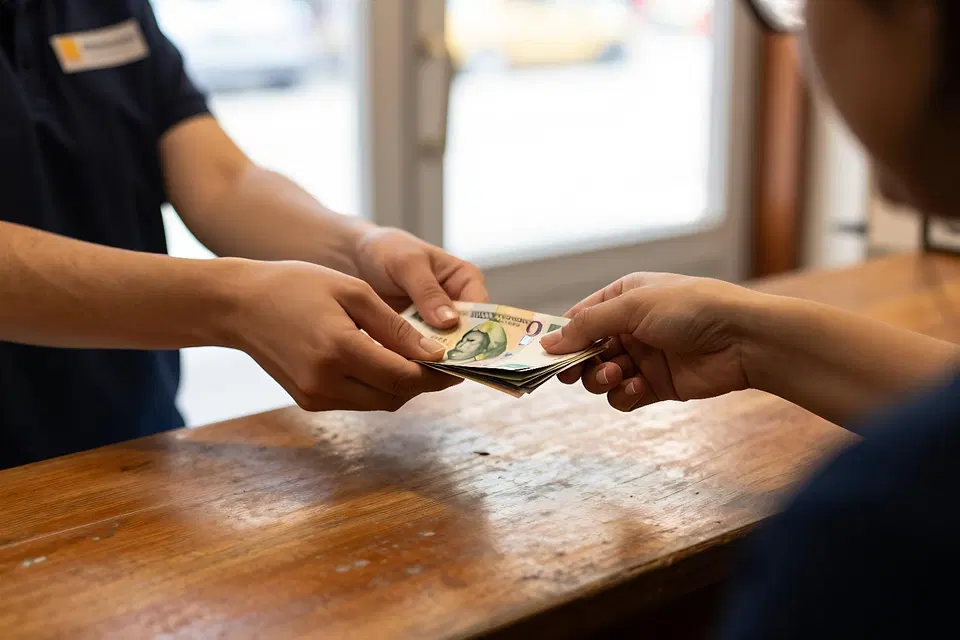
Ordinarily 10 minutes to a few hours. This is the route MoneyGram pushes hardest and the one most likely to match the "minutes" promise. Funds become available as soon as the transaction clears screening and the receiving agent has enough cash on hand. In busy corridors the agent may need to hold the payment until the branch's cash position is topped up, which can push pickup to the next morning.
Bank account deposit
Usually same day, sometimes up to two business days. MoneyGram hands the payment to a partner bank in the destination country, and from there it follows that bank's clearing schedule. A transfer sent at 2pm on a Tuesday in a country whose banking day ends at 3pm may land that evening. One sent at 4pm may not land until Wednesday.
Mobile wallet
Minutes in most supported markets, including Kenya, the Philippines, Bangladesh, Pakistan and Ghana. The wallet operator processes it almost instantly once MoneyGram releases the funds. Delays here tend to come from the wallet side: an unverified account, a balance cap, or a network outage.
Debit card deposit
Generally 30 minutes to a few hours where supported. Card rails are quick but not instant, and a first send to a new card can sit in review longer than a repeat transfer.
- Cash pickup: 10 minutes to a few hours
- Mobile wallet: minutes, occasionally a few hours
- Debit card: 30 minutes to a few hours
- Bank account: same day to 2 business days
What Determines How Fast Your Money Moves
The corridor you're sending to
Some country pairs are heavily trafficked and heavily automated. US to Mexico, US to the Philippines, UK to India, UAE to Pakistan: these run near-instantly around the clock. Thinner corridors, or ones with strict local currency controls, can add a day. If you want to understand where the cost and the delay actually sit in a cross-border send, our breakdown of what a MoneyGram international transfer really costs and how it works covers the mechanics.
How you funded the transfer
Paying cash at an agent is the lowest-friction option. The money is physically there, so there's nothing to verify. Paying by credit card online is convenient but invites a funding check on larger amounts and on first-time cards. Bank account funding, where available, is slow to confirm and can push a same-day transfer into tomorrow.
Whether you're a new customer
First transfers, new recipients and amounts above your usual pattern all get a closer look. That's compliance working as intended, not an error, and it's the most common reason a "10-minute" transfer takes 45. Sending a large sum for the first time also runs into profile caps, which shift as you build history. That mechanism is explained in MoneyGram transfer limits and why the cap changes.
Weekends, holidays and time zones
Cash pickup is close to 24/7 because agents are open somewhere. Bank deposits are not. A transfer initiated on Friday evening in London and destined for a bank in Nigeria sits until Monday, however quickly MoneyGram releases it. Public holidays in the receiving country have the same effect, and they rarely line up with your own.
Problems on the receiving end
Name mismatches are a big one. If the sender writes "Mohammed Rahman" and the ID reads "Md. Rahman," an agent may refuse the payout. A receiver without valid photo ID stalls a transfer indefinitely. Agents running short of cash, wallet accounts that have hit a balance ceiling, and phone numbers registered to someone else all add hours.
Why a Transfer Can Sit in Review
Every MoneyGram transfer passes through automated screening for fraud and sanctions. Most clear in seconds. A minority get pulled for manual review, and that's where the fast-delivery promise quietly breaks.
- A first-time send to a brand-new recipient
- An amount well above what you've sent before
- Inconsistent details between sender and receiver records
- A funding source flagged by the card issuer
When that happens the transfer isn't lost, it's paused, and both you and your recipient can see the status. Resolution usually takes a few hours, though it can stretch to a business day if MoneyGram needs to reach you for documents.
How to Track a Transfer in Progress
Use the reference number on your receipt, normally eight digits. Enter it in the app or on MoneyGram's tracking page and you'll get one of a handful of statuses: available for pickup, deposited, in progress, or on hold pending verification. If it says available and your recipient still can't collect, the problem is almost always at the agent end. Wrong ID, a misspelled name, or a branch that has run out of cash. Calling the receiving agent directly is faster than calling the general helpline.
If you haven't sent yet and want the process spelled out step by step, our guide to sending a MoneyGram money transfer and what you actually pay walks through both the online and in-person routes.
Ways to Make Your Transfer Land Sooner
- Choose cash pickup if speed matters most. Nothing else matches it in most corridors.
- Send during the destination's business hours. Mid-morning Tuesday to Thursday is the sweet spot for bank deposits.
- Spell names exactly as they appear on the receiver's ID. This single mistake causes more delays than any technical issue.
- Build up your sending history gradually. Limits rise and reviews become less frequent over time.
- Fund with cash at an agent if you're in a hurry and the amount is big enough to trigger a card check.
- Point your recipient to a main branch rather than a small kiosk that may be short on cash for a large payout.
The Trade-off Between Speed and Cost
Fast isn't free. Cash pickup frequently carries a higher fee than a bank deposit on the same corridor and amount, and card funding can cost more than paying cash over a counter. Our guide to MoneyGram transfer fees and where they hide breaks that down by funding method.
Then there's the rate. The exchange rate applied at payout quietly moves your real cost even when the headline fee looks flat, which is why the number quoted and the number received so rarely match. Before your next send, it's worth reading why the MoneyGram exchange rate you see isn't the number that lands. Comparing fee, rate and delivery window together gives a far more honest picture than comparing fees alone.
What Your Receiver Should Have Ready Before Pickup
Speed at the payout end is mostly preparation. Have your recipient confirm four things before you send: a valid government photo ID in the exact name you'll type in, the eight-digit reference number, the sender's full name as written on the transfer, and the amount expected in local currency. Some agents use the amount as a security question, and a receiver who doesn't know it will be sent away.
Also tell them which branch to visit. MoneyGram payments are generally collectable at any agent in the country, but rural kiosks can be short on cash for larger payouts while a city-centre branch will usually have the notes on hand. If the transfer is going to a bank account instead, the account name must match the receiver's ID exactly. Otherwise the deposit bounces back and you start the whole process again.