
Loading article...
Slot ID: blog-post-top
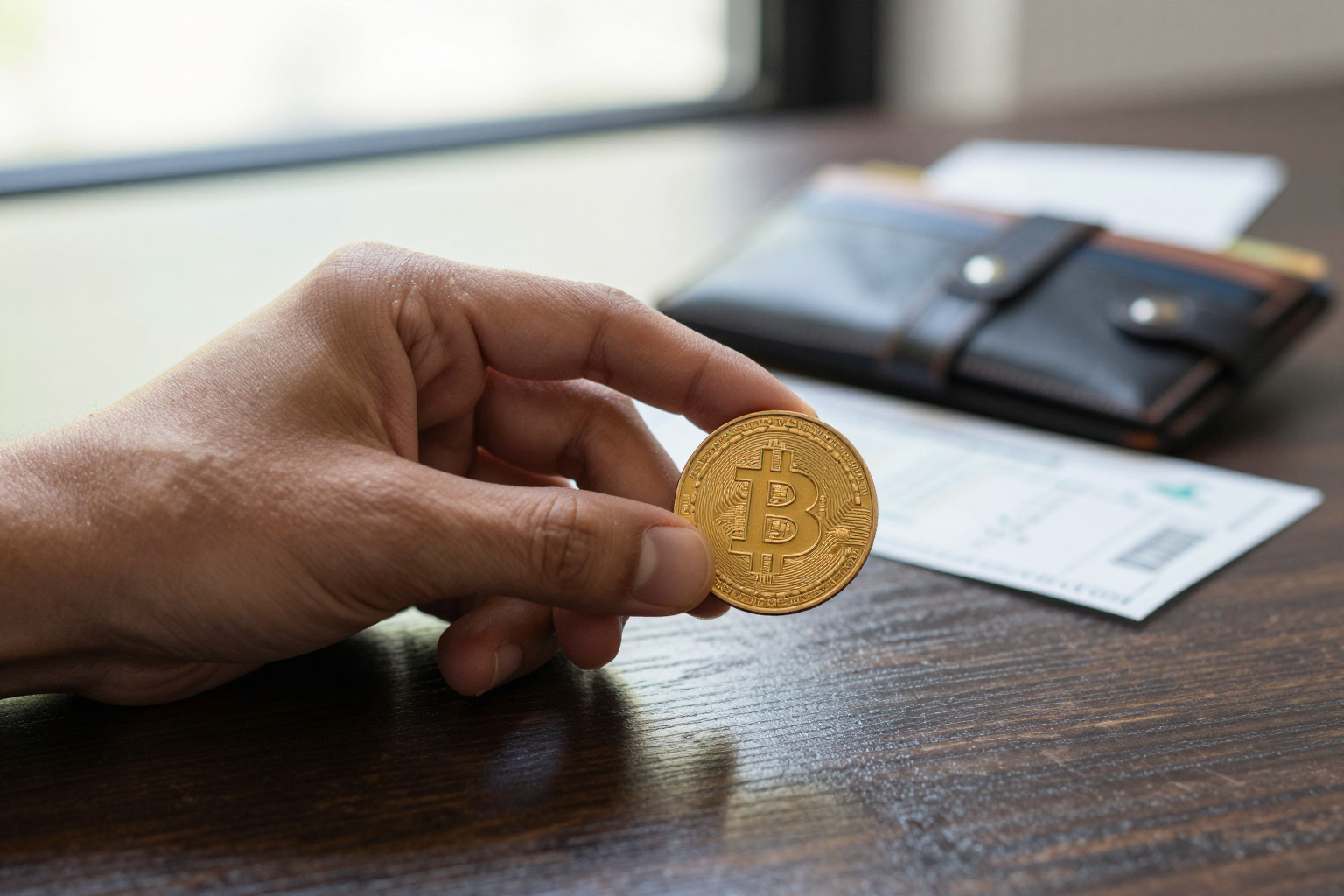
The Bitcoin price is everywhere. It's on your phone's stock widget, in the news ticker, and plastered across a hundred websites. But if you've ever tried to sell a fraction of a bitcoin, you've probably noticed that the number you end up with doesn't match the headline. That's because the headline price is a shortcut, and shortcuts cost money. This guide walks you through the exact steps to check the bitcoin price that applies to you: the one you'll actually get when you buy or sell, not the one that grabs the most attention.
Open two exchanges side by side for a moment. On Coinbase, one bitcoin might cost $67,400. On Kraken, it's $67,430. On a peer-to-peer marketplace, a seller might be asking $67,900. None of these numbers are wrong. They're just different locations where buyers and sellers actually trade. The price you see on a news site is an average across hundreds of exchanges, and it's not a price you can transact at. So the first step is to stop asking "what is the bitcoin price?" and start asking "what is the price on the platform I'll use?"
CoinMarketCap, CoinGecko, and other aggregators collect prices from dozens of exchanges and show you an average. That's a useful snapshot for seeing whether bitcoin is rallying or dipping. But it doesn't reflect the spread you'll face on a real trade. Just like the Oanda currency converter shows a mid-market rate for fiat that your bank will never give you, these crypto averages don't include the fees and spread that your exchange will add. Use them to scan the market, not to set your final numbers.
Once you know which exchange you're going to trade on, don't just look at the big green or red number at the top of the page. Open the order book and find the best bid and ask. The bid is the highest price a buyer is willing to pay right now. The ask is the lowest price someone will sell for right now. The difference between them is the spread, and that spread is part of your cost.
Here's a concrete example. Suppose the BTC/USD order book on your exchange shows a bid of $67,120 and an ask of $67,180. If you buy, you'll pay the ask: $67,180. If you sell, you'll get the bid: $67,120. That $60 gap per bitcoin doesn't show up on the headline chart, but it's the first dollar amount that actually matters to you.
The bid and ask price is still not the final price. Every exchange charges fees, and the fees vary widely. Here are the main ones to account for:
Let's say you sell 0.5 bitcoin on an exchange with a 0.25% trading fee, and the bid price is $67,000. Your total is $33,500. Subtract 0.25% ($83.75) and you get $33,416.25. That's already $167.50 less than the headline price implied. Add a $2 withdrawal fee and you're at $33,414.25. That's the money you actually walk away with.
If you're converting bitcoin into your local currency, you're actually making two trades: bitcoin to U.S. dollars (or a stablecoin), then dollars to your local money. Each of those trades has its own exchange rate and its own fee, and many services lump them together at an awful rate.
To see what a fair USD-to-rupee rate looks like, the same principles apply as in our USD to Rs guide, which explains how to avoid bank markups. If you're in Europe, the Euro to INR guide walks through the same setup for a different pair. The key is to check the bitcoin price and the fiat exchange rate separately, rather than trusting a single widget that claims to show you the "converted" amount.
If you're new to the whole process, our practical guide to buying, selling, and converting digital money covers the longer journey, including wallets, security, and what to do after the trade.
Bitcoin debit cards, ATMs, and apps like Cash App often display a rate that's based on the bitcoin price but inflated by 2% to 5%. That's how those services make money. The interface shows you "+$67,800 per bitcoin" but the sale price might be $69,000. When you're selling to a card or ATM, you'll usually get the lower end of a wide spread. The best practice is to compare the final amount you'd get on a dedicated exchange against the amount the app is offering. A 3% difference on a $2,000 sale is $60, which is often enough to make the extra step worth it.
Price alerts are handy, but they need to be set on your actual trading platform. If you trade on Binance, go to the BTC/USDT market and set an alert for your target price. The push notification will take you straight to the order book for that exchange, so you won't be judging your trade against a global average that doesn't exist. That removes the confusion and makes your decision based on real, executable prices.
Let's put all of these steps together in one realistic example. You have 0.25 bitcoin and you want cash in U.S. dollars. The global average price on CoinMarketCap is $67,800, but that's not what you trade on.
You open your exchange account and check the BTC/USD order book. The current bid is $67,650. You place a limit order, and it fills within a minute. The exchange charges a 0.3% trading fee, so your gross proceeds are $16,912.50, and the fee is $50.74. That leaves you with $16,861.76. You withdraw to your bank and pay a $2 network or withdrawal fee, landing at $16,859.76.
Divide that by 0.25, and your effective price per bitcoin is $67,439. That's $361 lower than the headline price. If you had used a payment app with a 3% spread, you would have received roughly $16,414—about $446 less than you'd get by following the steps above.
The difference comes from checking the order book, counting fees, and using a real exchange for the fiat conversion. The bitcoin price you see in the headline isn't a lie, but it's only the starting point. The number that ends up in your bank account is the one that actually matters, and now you know exactly how to get it.
Slot ID: blog-post-bottom